

A useful payment reminder lets the client recognise the invoice, see the amount still outstanding and give a concrete reply. Check the due date and payment records before writing: a payment already received changes the amount you need to request.
This guide, also as a PDF
Subscribe to the newsletter: once you confirm from the link in the email, the PDF guide opens.
This site is protected by reCAPTCHA and the Google Privacy Policy and Google Terms apply.

Check the outstanding balance first
Open the invoice and compare it with the agreement and recorded payments. Check these details together:
- the client and contact who should receive the message;
- the invoice number and date;
- the original agreed due date;
- the amount due, payments received and any adjustments;
- the outstanding balance and agreed payment method.
These references make the request identifiable, as outlined in Stripe’s guide to payment reminder details. Here, we are preparing a practical reminder asking for an update on the balance.
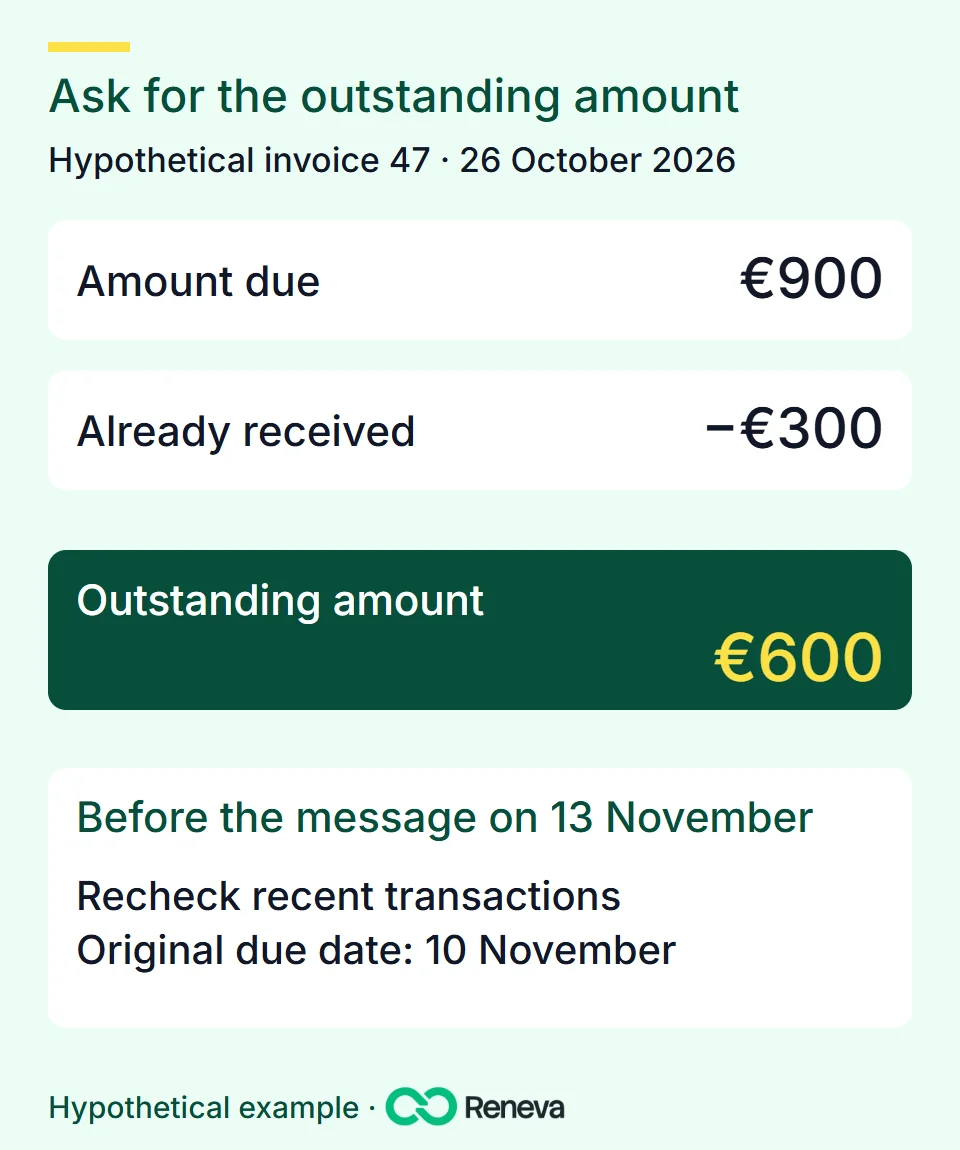
In our hypothetical example, invoice 47, dated 26 October 2026, has €900 due by 10 November. You have already received €300, leaving €900 − €300 = €600 outstanding. The €900 is the amount payable in this example, rather than a base to which further tax items should be added.
Before sending the reminder on 13 November, check recent transactions again. If another payment has arrived, update the balance and message.
A completed reminder example
The following message uses invented details. Use the actual references and verified payment instructions in your version.
Subject: €600 outstanding on invoice 47, dated 26 October 2026
Hi Laura,
I’m writing about the balance on invoice 47, dated 26 October 2026 and due on 10 November 2026.
Of the €900 due, I have received €300. As of today’s check, 13 November, the outstanding balance is €600.
Could you let me know when you expect to pay the balance? For the bank transfer, please use the account details on the invoice and the reference “Balance, invoice 47”.
If you have already paid, could you share the transfer date and reference so I can check the transaction?
Thanks, Marta
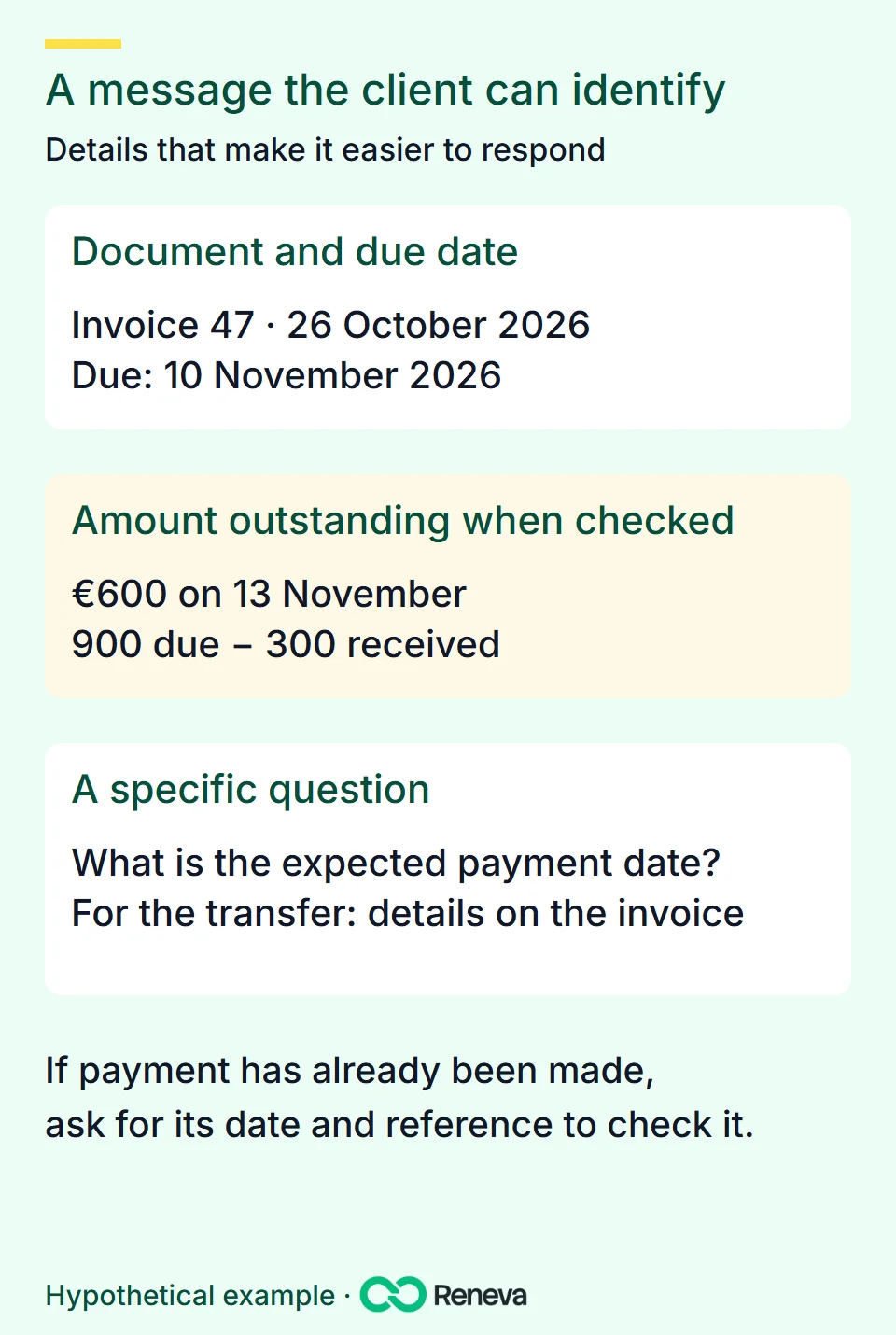
The message asks for a date and gives the client a way to report a payment already made. Use verified information without assuming why payment is outstanding.
“I’ve already paid”: check the transaction
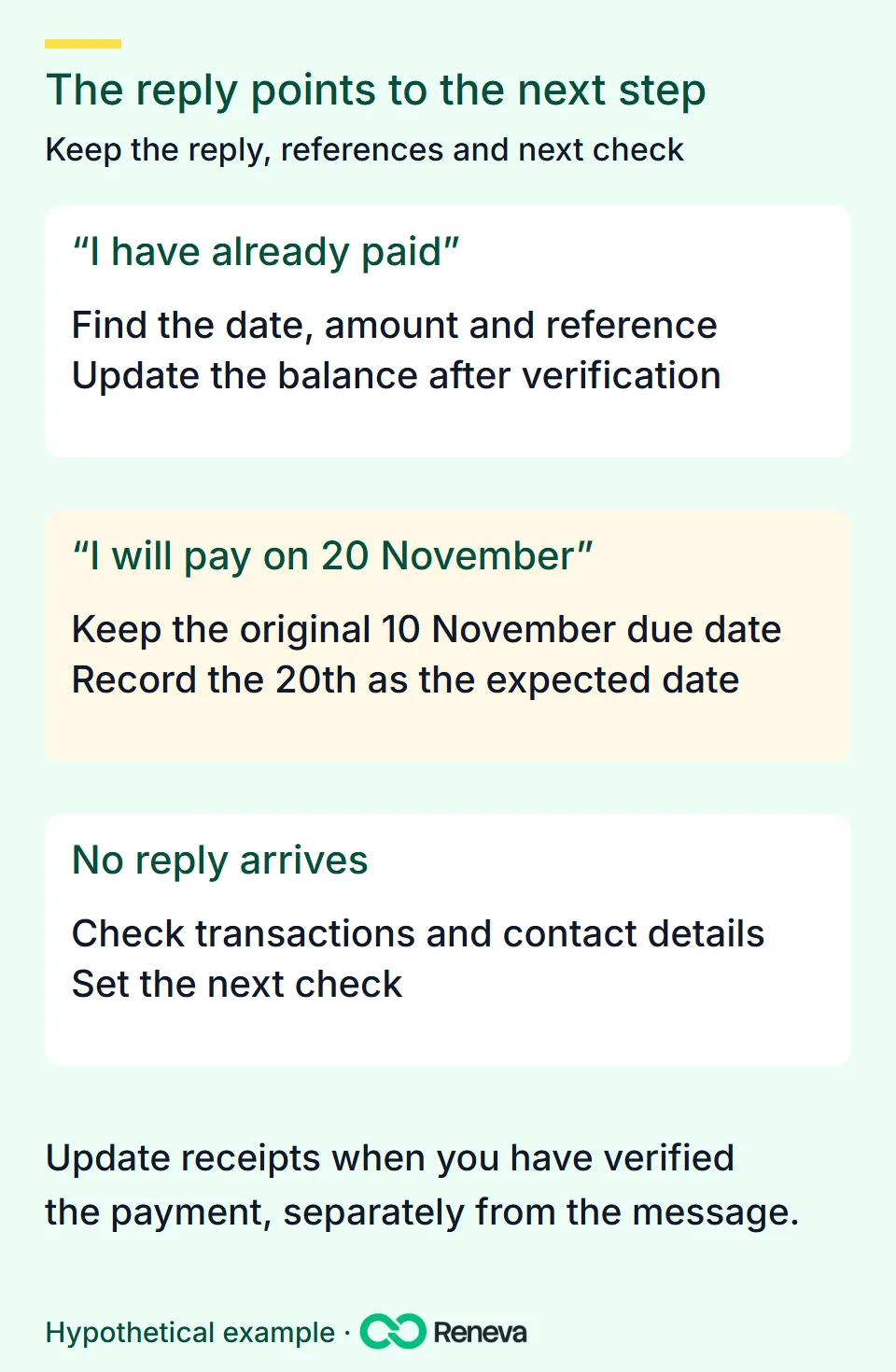
Record the reply and look for the payment using the date, amount and reference provided. If it has arrived, link it to the document and update the balance. If you cannot find it yet, keep the information and decide when to check again. You could reply: “Thanks, I’ll use those details to check the transaction and let you know.”
A transfer confirmation or the client’s message helps you search. Record the payment received once you have verified it.
“I’ll pay on 20 November”: follow up on that date
In our example, the client says they expect to pay the balance on 20 November. Keep both the original due date of 10 November and the new information: “€600 balance expected on 20 November, as stated by the client on 13 November.”
Schedule a check that fits the payment method. The balance remains open until you have verified payment. The date the client gives you helps organise the follow-up.
If there is no reply
Record when you wrote, the channel you used and your next check. Before contacting the client again, recheck transactions and contact details. Then refer to the same invoice with the updated balance. You can ask whether the request has reached the person responsible for payments.
Choose your next action using the agreement and information you have collected. The dates in this example describe one situation, rather than a schedule for every invoice.
Coordinate your message with software reminders
If you use Reneva notifications, check the existing settings before adding a manual reminder. Notices on issued documents follow outstanding payments, with configurable stages, days and exclusions. The Communications Guide explains how to set them up.
The Send log helps you see what was sent: Sent means the attempt succeeded; Failed shows a recorded error. An outcome that needs checking calls for a check before another attempt. The client reading the email and making a payment are separate events from sending. Use the log to follow communications and transaction records to update payments received.


