

To manage revisions, collect comments on an identifiable version, clarify conflicting instructions and agree any additional work before doing it. Then share the revised version and ask for a decision on that specific version.
Start with the work in front of the client: which file they are viewing, how it will be used and what it needs to achieve. “Make the date stand out” becomes more useful with a location and reason: “On the A4 poster, the event date is harder to read than the sponsor’s name.”
This guide, also as a PDF
Subscribe to the newsletter: once you confirm from the link in the email, the PDF guide opens.
This site is protected by reCAPTCHA and the Google Privacy Policy and Google Terms apply.

Give comments a version and a specific location
Identify the file when sharing it, for example “Event poster, version 1”, and restate the agreed purpose: readers should be able to find the event title, date and location. Ask the client’s main contact to collect feedback from the people involved.
Each comment should identify the element, what needs correcting or clarifying, and the required result. Distinguish a requirement from a suggestion: “This is the approved event name” establishes a fact; “I would try a larger title” suggests a design choice. The LMAO Graphic feedback guide also distinguishes errors, comprehension problems, preferences and changes to the requested work.
Five comments on a poster
The following case is invented. The assignment includes an A4 poster in Italian and a revision of the draft. The client has confirmed the correct event details; an English version is outside the agreed work.
| Point | Comment received | How to handle it |
|---|---|---|
| 1, date | The correct date is 24 November, as shown in the confirmed programme. | Factual correction: replace the date. |
| 2, location | The street address is missing building number 12. | Text correction: complete the address. |
| 3, registration | The registration link needs to point to the approved form. | Correct the PDF link and check it by opening the destination. |
| 4, price | One person asks to remove the price; another asks to make it prominent. | Clarify with the main contact before changing the design. |
| 5, language | We also need the poster in English. | Additional request: agree content, timing and fee before starting. |
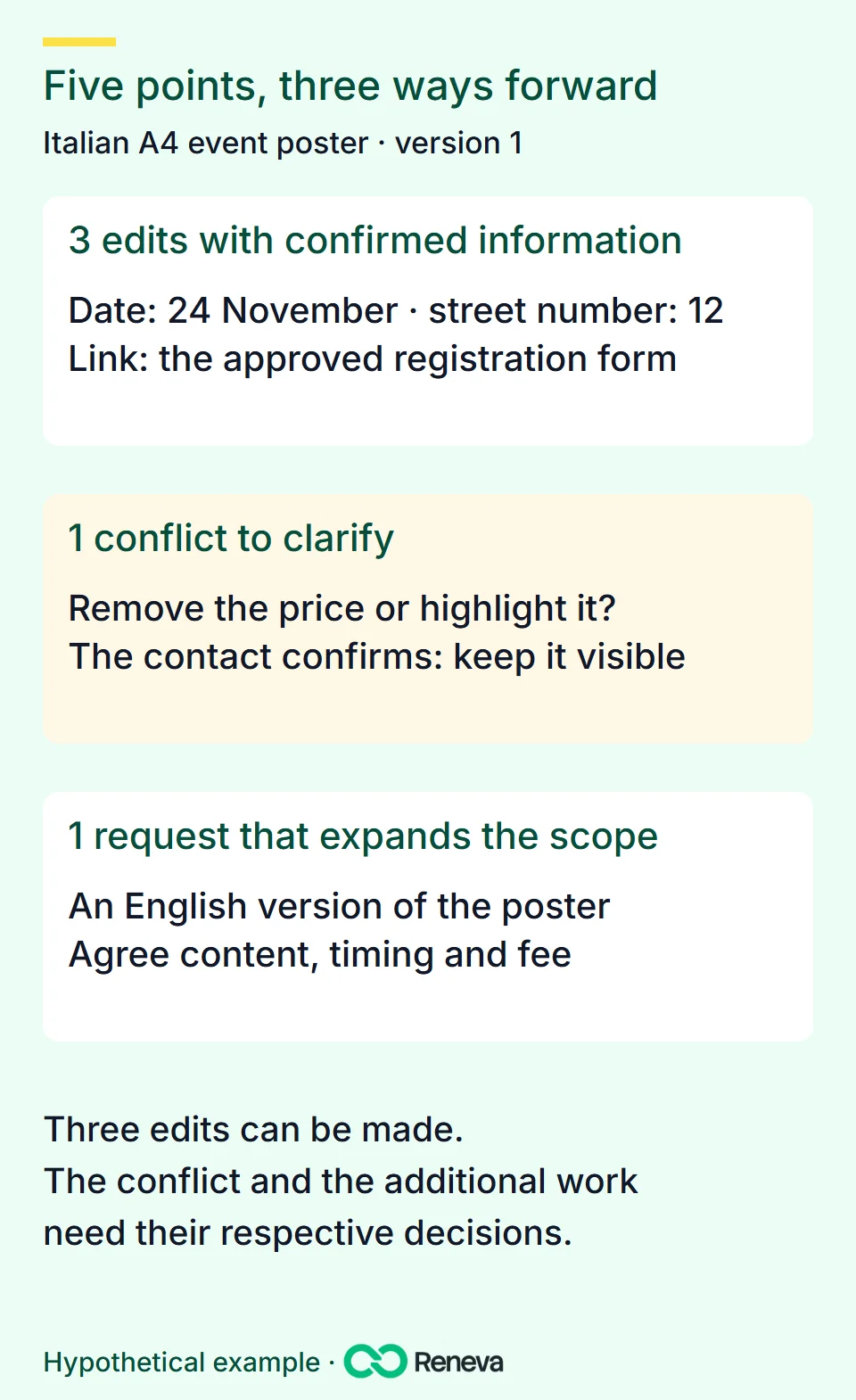
These are five points to handle, rather than five instructions ready to carry out. The first three have confirmed references; the fourth contains a conflict; the fifth changes the deliverable.
Resolve conflicting instructions before editing
Send the main contact a specific question about the price: “For version 2, should I keep the price visible or remove it? I have received both instructions. Could you confirm which one to follow?”
In this example, the contact confirms that the price should stay visible. Record that decision against point 4 and apply it to the new draft. If the original comment was “make it more visible”, ask where it is difficult to notice and propose a change that fits the poster’s visual hierarchy.
The main contact gathers the client’s decision; you translate it into the design. If information is missing, keep that point open and make clear which other corrections you can already complete.
Agree the additional language as separate work
For the English version, clarify who supplies or approves the translation, which files are needed and the required delivery date. Assess the layout alongside the content: different text may require changes to the available space.
Then propose timing and a fee for the addition, and keep the confirmation. If it is still undecided, keep that request separate from the Italian revision in progress. The client needs to understand what they will receive now and what still depends on a decision.
Keep comments and decisions on their own version
In Reneva Reviews, the client can comment on a file through a private link. A PDF comment can refer to a point on the page, and you can reply in the same comment conversation. This ties the feedback to the draft that prompted it, as shown in the Guide to comments.
After editing, New version adds the new file and keeps the previous one with its comments. Upload version 2 and summarise the decisions applied: date, address and link corrected; price kept visible; English version separate and still to be agreed. The Guide section on versions explains how to add the file.
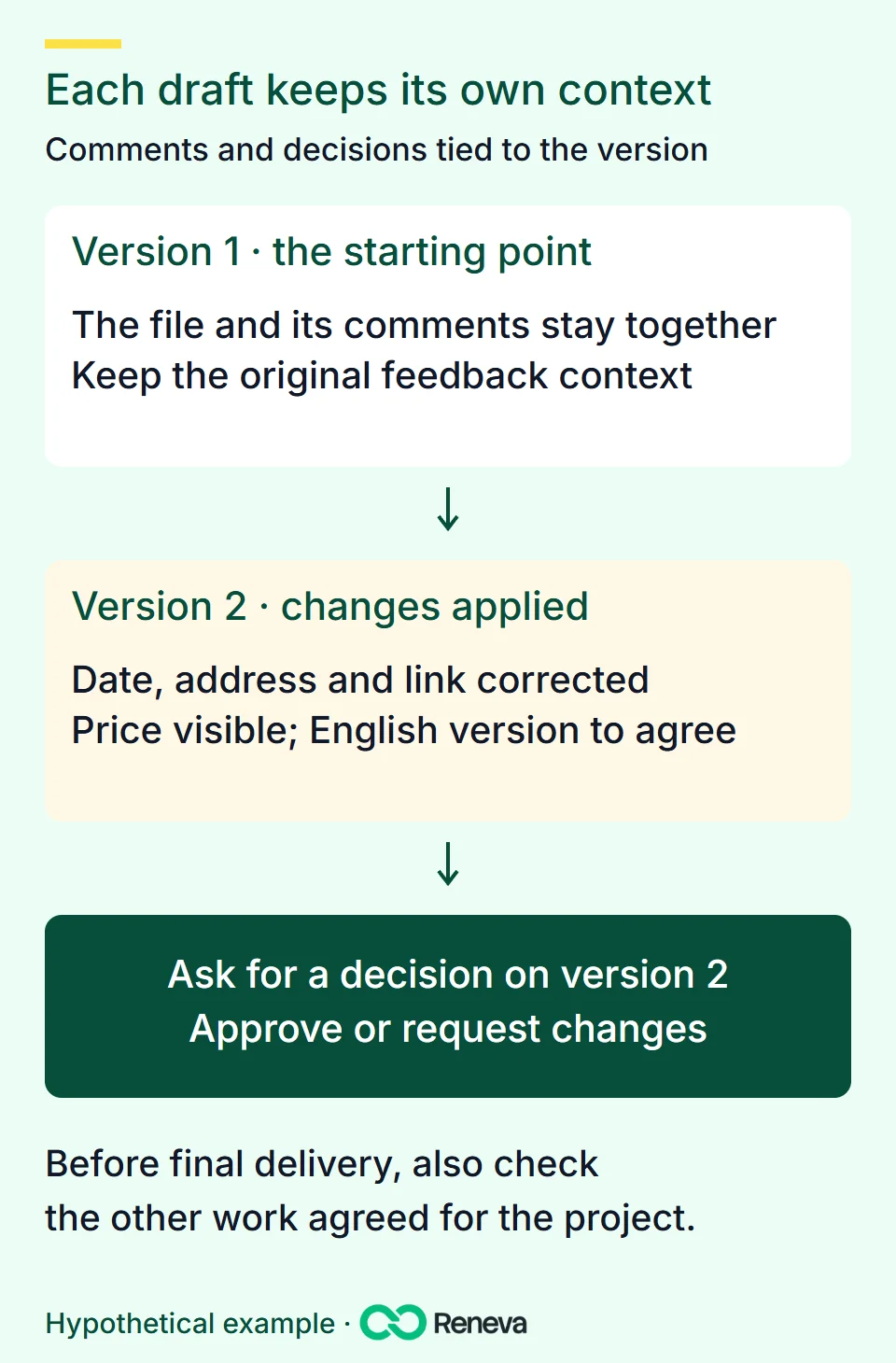
Ask the client to check version 2 and approve it or request changes on that version. In Reneva, the decision stays with the version. Resolve and Reopen apply to the individual comment conversation: resolving a comment or approving a version leaves project status separate.
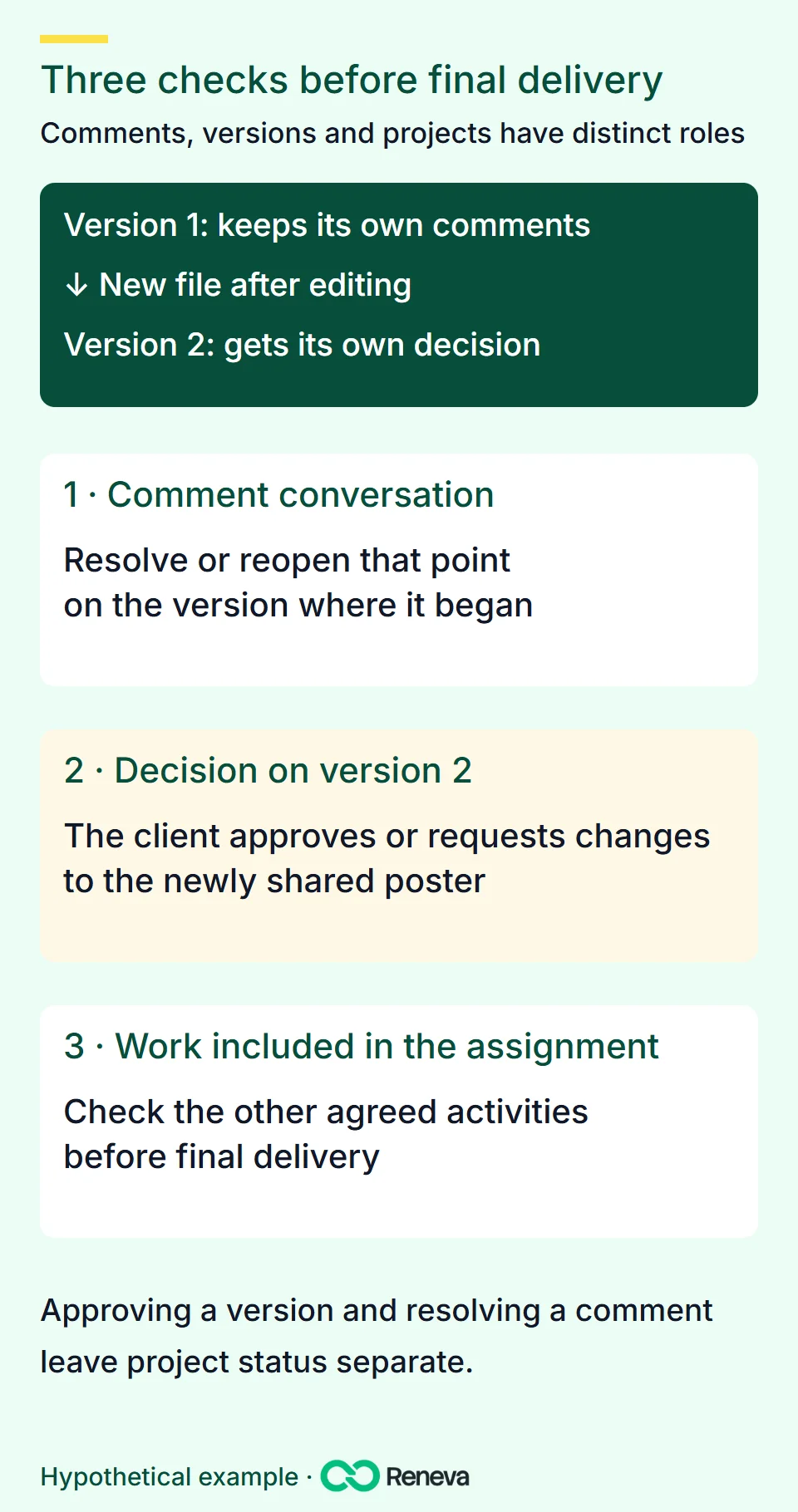
Before final delivery, check the approved version and the other activities included in the assignment, including production or publication if they form part of the agreed work.


