To choose management software for your agency, take two familiar examples to the demo: a one-off project and a recurring service. Ask to follow them from the client agreement through to payment, checking where you can find the people, dates and amounts involved.
Starting with a case gives features a meaning. “It manages projects” can mean many things. “I want to move the website delivery date and see what happens to the payment due date” is a specific request.
This guide, also as a PDF
Subscribe to the newsletter: once you confirm from the link in the email, the PDF guide opens.
This site is protected by reCAPTCHA and the Google Privacy Policy and Google Terms apply.

Choose three problems to solve
Before comparing software, write down three points in your current process where you have to hunt for information or ask someone to explain. For example:
- the project manager cannot find the line items in the accepted agreement;
- work delivery and payment deadlines end up in the same reminder;
- a contractor's cost is updated in a file the agency owner cannot see.
For each problem, identify who enters the information and who needs to use it. The project manager may need the delivery date, while the owner also needs the external cost. The client should see the information you decide to share with them.
Then choose your essential requirements. If you sell monthly maintenance, following a recurring service matters in the demo. If nobody records time and you do not plan to start, a long timesheet demonstration can wait. The same goes for a client portal, reports and connections to other tools: add them when they address a specific need.
Prepare a one-off project and a recurring service for the demo
You can use a brief like this with invented data. The client, “Alfa”, is fictional, and the period is November 2026. The amounts simply make the steps in the demo easy to recognise.
| Test detail | One-off project | Recurring service |
|---|---|---|
| Service | Website build | Monthly maintenance |
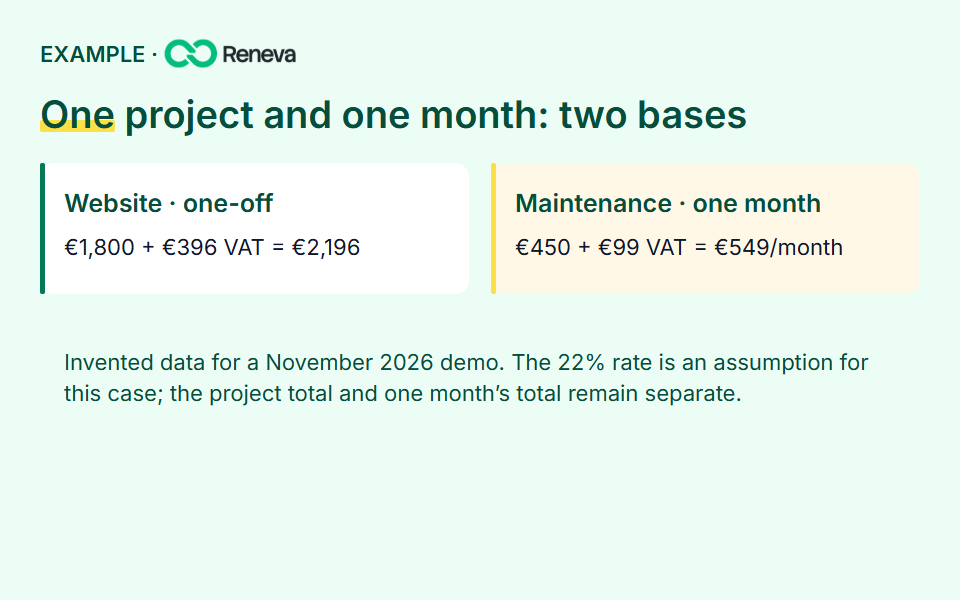
| Price excluding VAT | €1,800.00 | €450.00 per month |
| VAT assumed at 22% | €396.00 | €99.00 per month |
| Total including VAT | €2,196.00 | €549.00 per month |
| Expected delivery | 20 November 2026 | As agreed for the service |
| Payment due date to check | 30 November 2026 | First due date: 5 December 2026 |
For the one-off project, add a hypothetical external cost of €300 excluding VAT and, if you want to try recording work, 12 hours. These are separate inputs: without assigning a cost to the hours, you cannot work out a complete project margin.
The 22% VAT rate is a numerical assumption for this example. Ask to use the test environment and documents permitted by the supplier, so you can follow the process without issuing real invoices or involving real clients.
Ask to see the result of each step
Ask the person running the demo to start with the items agreed with Alfa and show how they carry through to the project. Then move on to test documents and recording a payment. Button names may differ between tools; the information you need to find should remain clear.
This brief gives you five checks to ask for. Record the outcome as you watch, with the people who will use the software.
| Need | Action to ask them to show | Information to find |
|---|---|---|
| Find the agreement | Open the accepted items and follow them into the project | €1,800 for the website and €450 per month for maintenance, with separate periods |
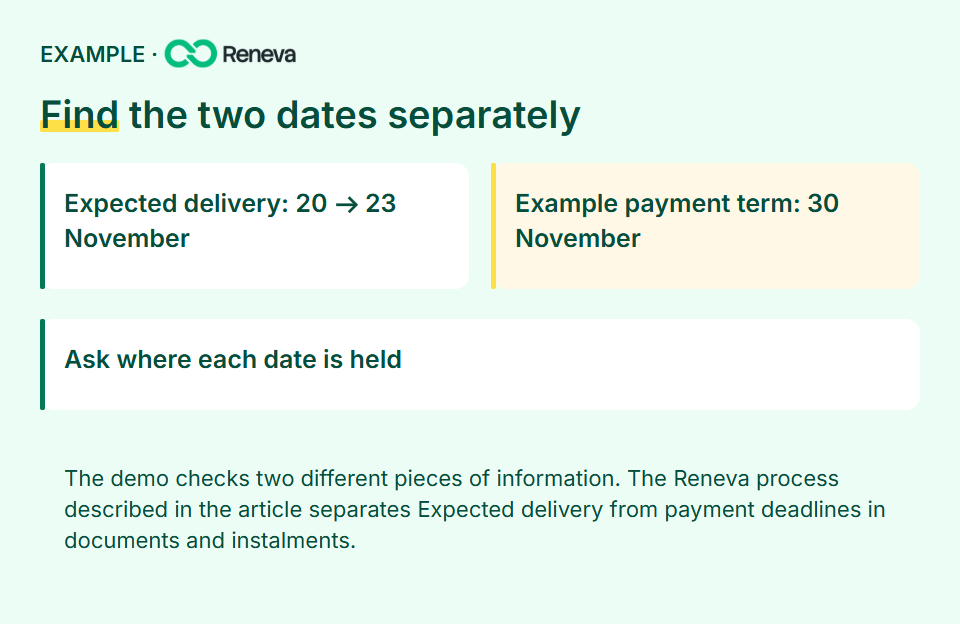
| Separate work and payment dates | Move the website delivery date from 20 to 23 November | The new delivery date and the 30 November payment deadline, each in its own place |
| Understand work and amounts | Enter the external cost and the hours chosen for the test | €300 cost and 12 hours, with their meaning and status clear |
| Involve the right people | Show the project manager's and contractor's views and, if needed, the client's view | What each person can see and edit |
| Get useful data out | Show a test export | The fields, attachments and format actually available |
Keep delivery and payment dates separate
When moving delivery to 23 November, ask whether and how that changes the payment deadline. The purpose is to understand the software's behaviour and compare it with the agreement in your case.
If you are considering Reneva, the Creating a client project guide gives you a specific detail to check: Expected delivery is optional and indicates when you expect to finish the work. Payment deadlines are managed in documents and instalments. Changing that delivery date does not change payment terms or start financial reminders.
Ask what each amount represents
The €1,800 website price is for the one-off project, excluding VAT. The €450 maintenance fee covers one month. Do not add them together as though they represent the same period.
During the demo, also ask where you can distinguish the amount sold, the amount invoiced and the money received. Preparing a test document does not mean payment has happened. Ask to see the step that records it and how that changes the information displayed.
This check helps you understand the numbers the team will consult. You can explore reports and calculations after clarifying the data they start from.
Consider the work involved in changing tools
At the end of the demo, work through the move from your current tools to the new one. Ask which data can be imported, in which formats and with which fields. A client list and a full archive of documents, attachments and links between records are different requests: ask to see them separately.
Also ask what will need to be entered by hand, who will set up access and how the team will be helped through its first tasks. For costs and terms, ask for the full scope of the proposal: users, required modules, usage allowances, support and any setup or integration work.
Keep the answers tied to your case. They will help you compare proposals that may cover different work.
End the demo with a reasoned decision
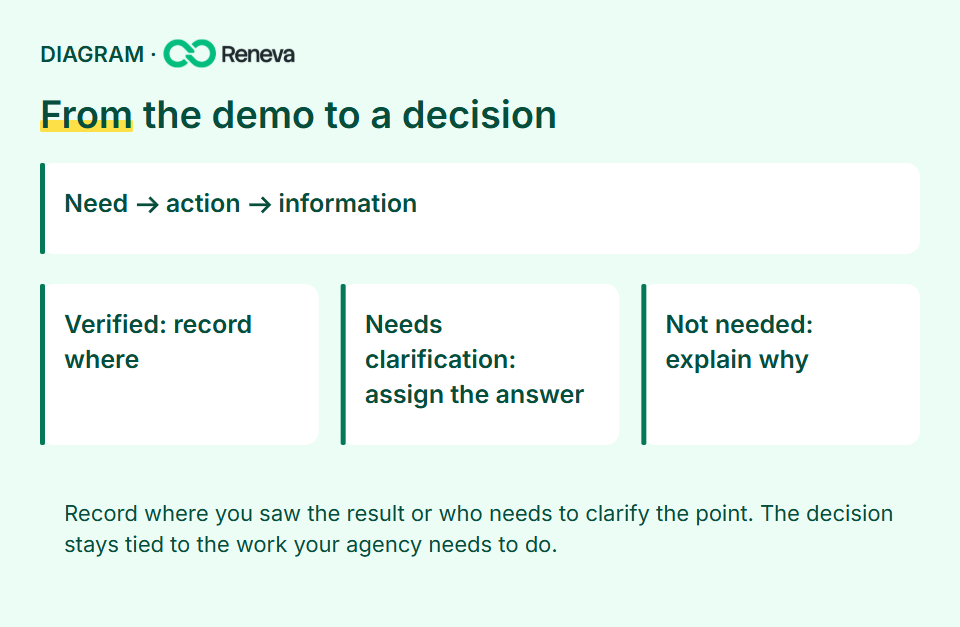
Beside each requirement, record one of these three outcomes:
- Verified: you saw the action and found the expected information. Note where.
- Needs clarification: a step or a precise answer is missing. Identify who needs to provide it.
- Not needed: the requirement does not serve the way you have decided to work.
If an essential point still needs clarification, ask for an example or a focused demonstration before choosing. For the points you have verified, let the person responsible for day-to-day work and a team member repeat the most common actions in the available test environment.
You can then explain the choice to the people who will use the software: these are the steps you need, these are the ones you have seen working, and these still need an answer.